Loading...
Your Stuff
Snowcone Studio
Render merch in any app — product, artwork, shop ID. That's the whole model.
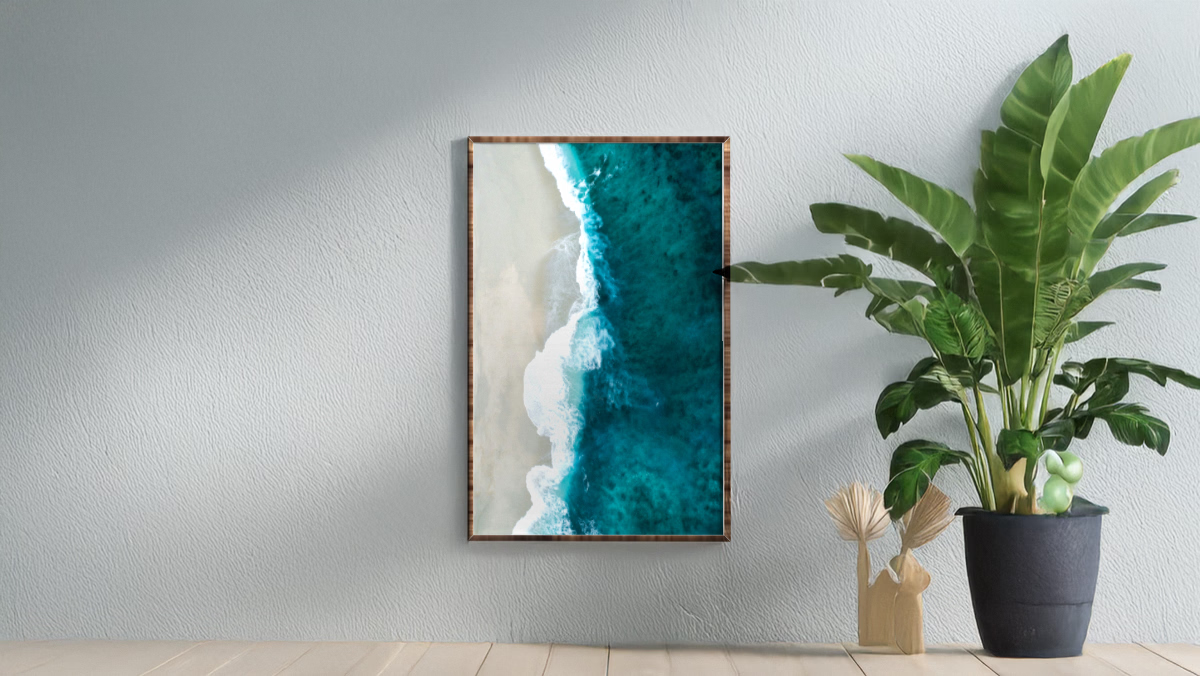
That frame is one URL — drop it into an <img src> and you're done:
https://img.snowcone.app/BEEB77?asset=https%3A%2F%2FdqMwU8Jct3.storage.snowcone.app%2Fdemo%2Fdemo-008.jpg&shop=dqMwU8Jct3
The smallest possible Snowcone integration, as real compiled code: fetch a product from the public catalog, build a mockup URL with the typed SDK, mint a sandbox shop with one POST.
This is the exact snippet from the get-started docs, kept compiling in CI against the published @snowcone-app/sdk so it can never drift from the shipped types.
git clone https://github.com/snowcone-app/templates
cd templates/get-started-quickstart
pnpm install
pnpm dev
What the prompt-based builders receive — paste it into any AI tool or agent instead.
Add printed-merchandise mockups to my app using Snowcone.

THE HAPPY PATH — mint your own shop, render a sample image:

1. Mint a sandbox shop server-side, ONCE on boot, and cache the shop_id
   (it's your shop; the minted key has uploads:write):
     POST https://api.snowcone.app/shops/sandbox  →  { "shop_id": "..." }
2. A mockup is just a URL — render it with a plain <img> tag. Start with this
   provided sample image so something shows on first load:
     const SAMPLE = "https://dqMwU8Jct3.storage.snowcone.app/demo/demo-008.jpg";
     https://img.snowcone.app/BEEB77?asset=<URL-encoded SAMPLE>&shop=<your shop_id>
3. Product info (name, price, variants) from the public catalog:
     GET https://search.snowcone.app/indexes/snowcone/documents/BEEB77
     Authorization: Bearer 73f573ead9be75531c56ee89d104caa49d79154db387f119a013d33eccfe654b
4. Checkout is the same URL with img → buy:
     https://buy.snowcone.app/BEEB77?asset=<...>&shop=<your shop_id>

USE YOUR OWN ART: upload it to your shop (the minted key has uploads:write) and
render the returned URL, or pass any publicly-fetchable image URL — the renderer
fetches the asset server-side, so it must be reachable from the public internet.

Gotchas: an own-art URL must be publicly fetchable (localhost/file:// render blank); only catalog product codes render.

Typed SDK if you prefer: npm i @snowcone-app/sdk — getProduct(code), getMockupUrl(code, { shop, asset }).
Docs: https://developers.snowcone.app/get-started?ref=templates&t=get-started-quickstartTemplates render through a sandbox shop. When you're ready to sell, claim your shop and get your own keys — payouts included.
Get your own shop